Exporting Identity Provider Logs
Last updated: 15 April 2026
Via UI
If you have not done so already, please log in to Federation Manager to get started.
- Then navigate to your identity provider which logs you would like exported. Choose the desired data range and click export. You will receive an email and notification once your export is ready to download.
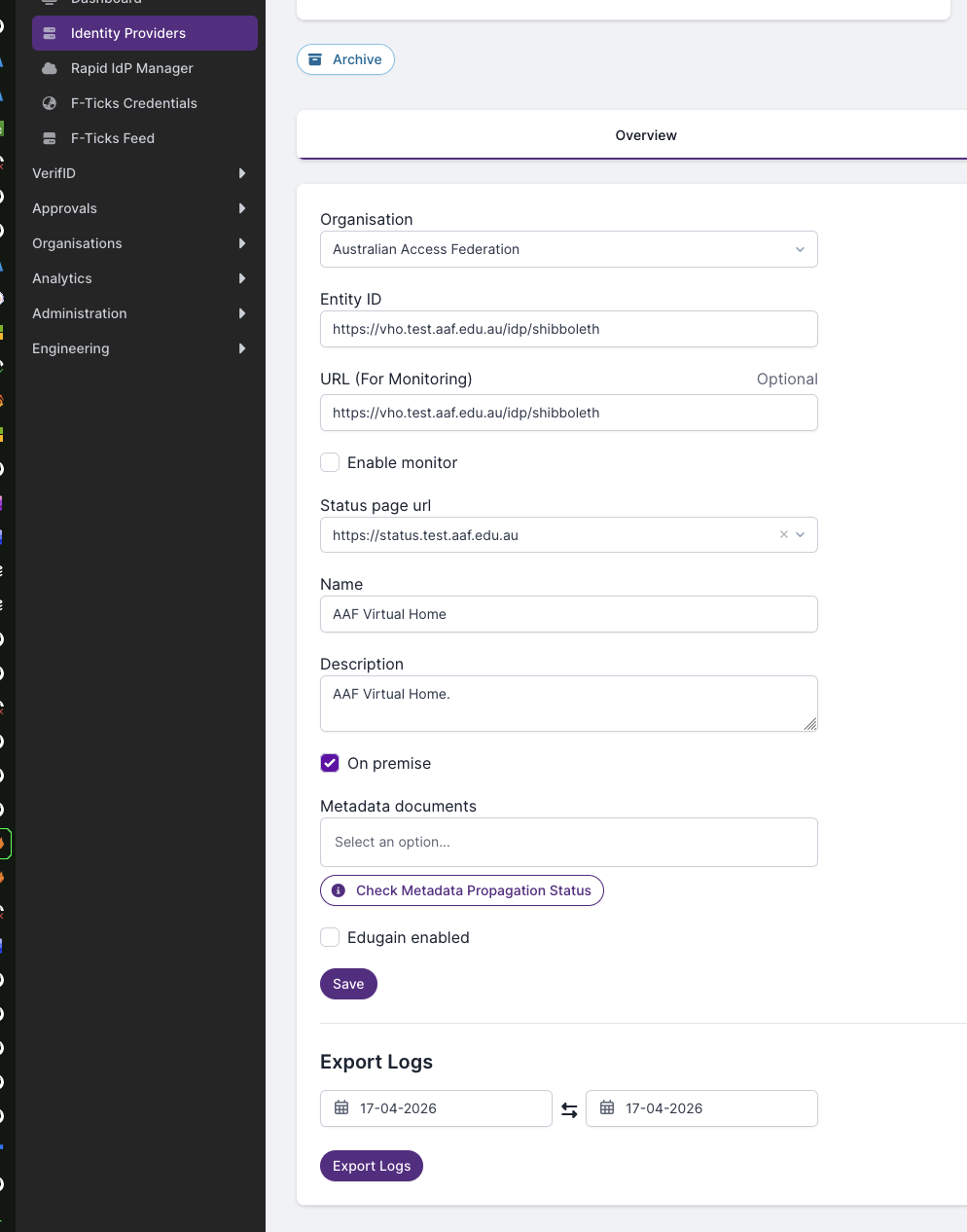
- Please note, depending on the date range this can take some time, once its completed you will get a notification via email and in the federation manager portal with a link to your logs.