Exporting Identity Provider Logs
Last updated: 15 April 2026
Azure function implementation
If you have not done so already, please Setup to use the API to get started.
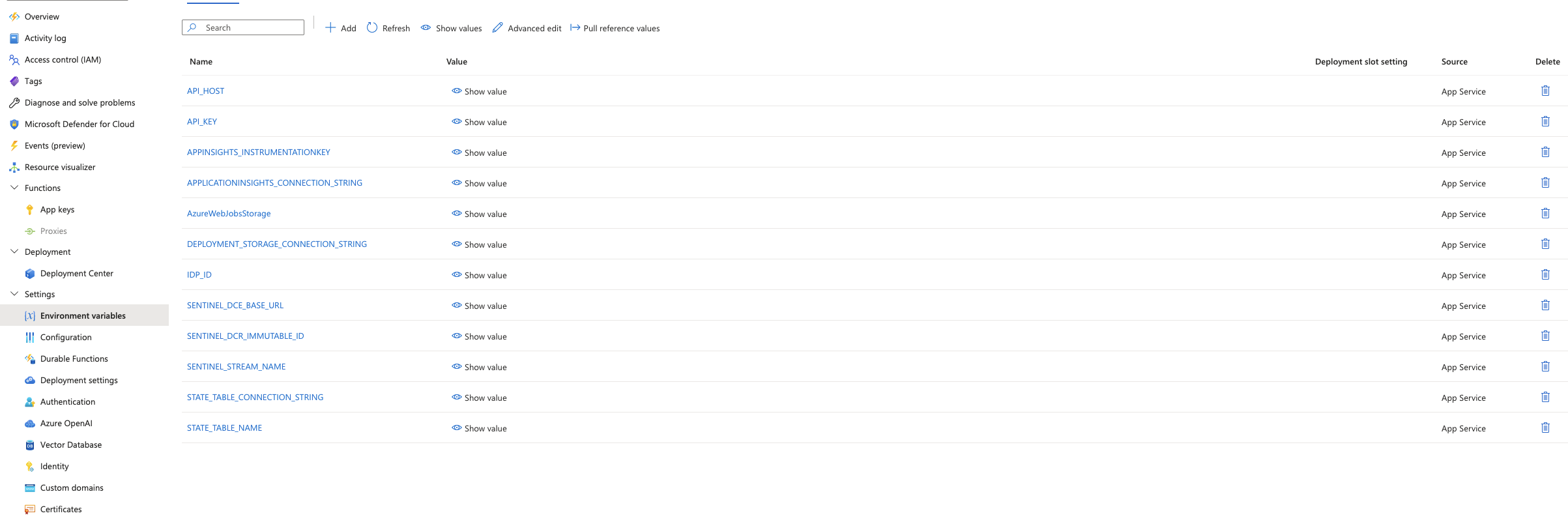
- we have built a small javascript release that can be provided to an azure app function with the ability to configure the following:
| ENV | required | description |
|---|---|---|
| IDP_ID | yes | This is the ID of the idp you would like to pull, use the api to find the relevant ID |
| STATE_TABLE_NAME | yes | This is an azure storage table’s name required to store the state of the last epoch checkpoint for each log pull run |
| STATE_TABLE_CONNECTION_STRING | yes | this is the connection information to the above storage table |
| API_HOST | yes | This is which federation manager server to use i.e https://manager.test.aaf.edu.au |
| API_KEY | yes | This is the api key you generated in the setup step |
| SENTINEL_DCE_BASE_URL | yes | This is the logs ingestion endpoint for your azure monitor data collection endpoint |
| SENTINEL_DCR_IMMUTABLE_ID | yes | This is the immutable ID of your data collection rule |
| SENTINEL_STREAM_NAME | yes | This is the stream name you would like the logs to appear as in sentinel |
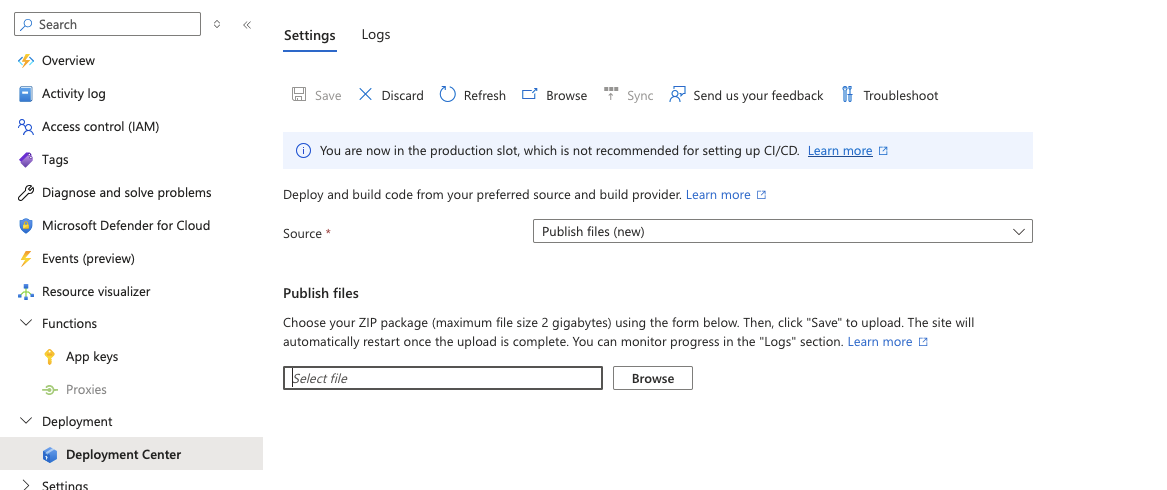
Simply provide the url of the latest release found at https://github.com/ausaccessfed/log_export_azure_function/releases, i.e https://github.com/ausaccessfed/log_export_azure_function/releases/download/v0.2.0/dist.zip to your azure app function and configure the environment variable listed above
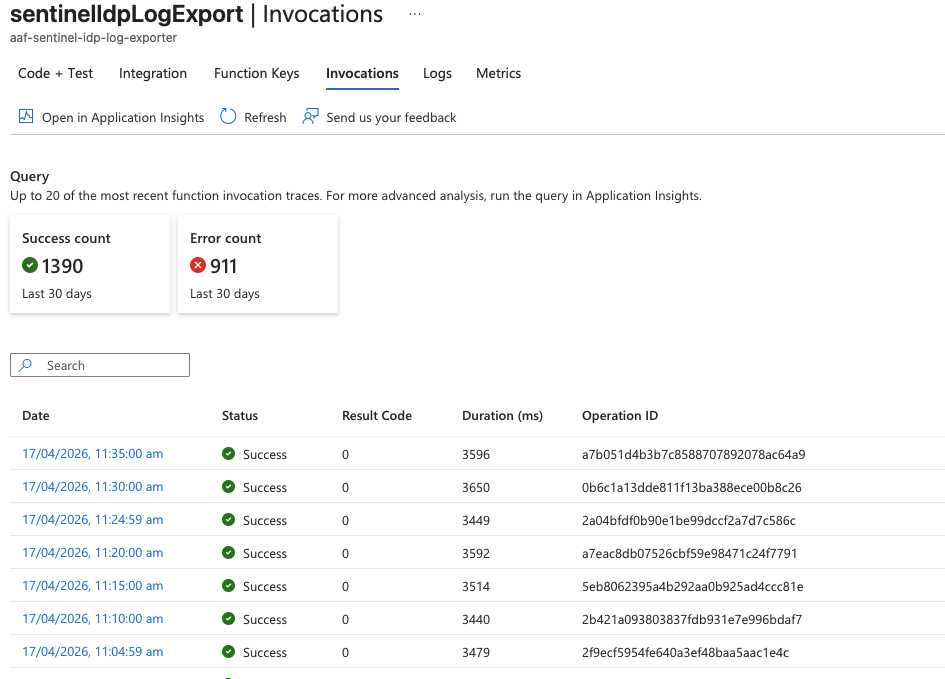
- Once this is done you should be able to review the logs in the invocations tab of the cron function
- It should have an example output like the following
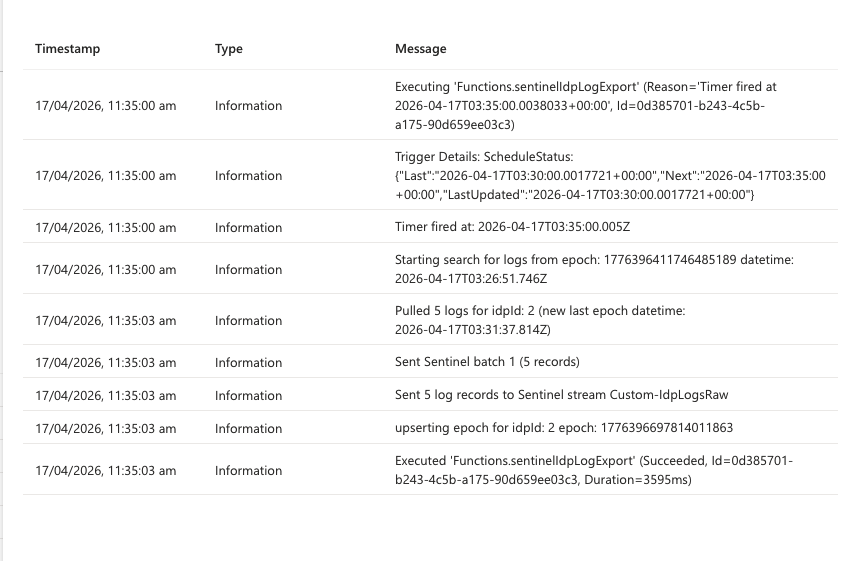
- If it does you should end up seeing your results in your sentinel instance in the provided SENTINEL_STREAM_NAME
Tutorial Complete!
You have completed this tutorial. Continue with the other tutorials in the Series or return to the tutorials home page.
Return Home